How to pick your squad
Once you've opened the WSL Football app, you can either sign up or jump straight in to selecting your team.
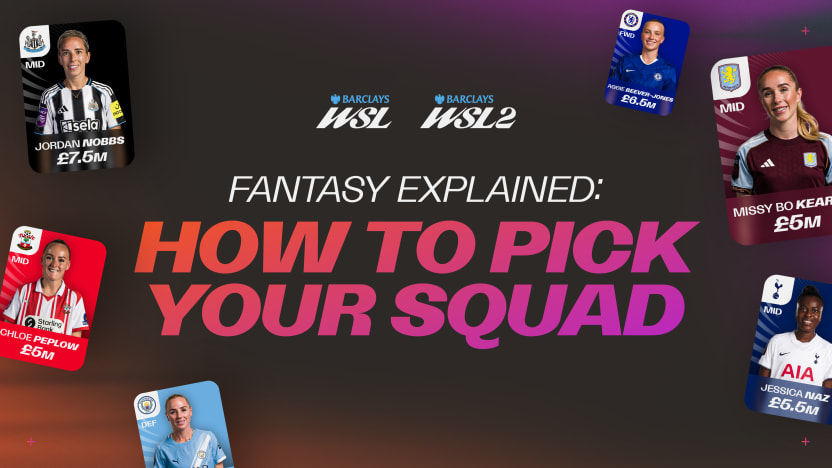
You've got £100m to spend on 15 players from BWSL and/or BWSL2.
Your squad needs:
- 2 goalkeepers
- 5 defenders
- 5 midfielders
- 3 attackers
A maximum of 3 players from any one club.
Every player is priced individually, which has been heavily constructred through a series of datasets including past season performance, team rating, past season’s databased on their position and how they're expected to perform. Prices can rise or fall through the season depending on form and popularity, so keep an eye on your squad's value.
Once your 15 are picked, set your starting XI and formation before the next deadline. Any player not in your XI sits on your bench.
Managing your team
Set your best XI and formation before each deadline, shown at the top of the Pick Team screen.
Captain
Pick one player as your captain each week. Your captain scores double, so back someone you believe will perform best in their match. Your captain is the only player in your XI who cannot be substituted.
Substitutes
Your 4 substitutes only score if you bring them on. You can only make substitutions between one set of matches finishing and the next starting, so get your bench moves in before the next deadline. But once a player has been substituted, they cannot come back on, just like in real life. Your captain also cannot be changed or substituted during a gameweek.
Deadlines
Once a match kicks off, that match locks. You can no longer change anything involving a player in it, their price, their stats, or your team selection, until the match ends. Make sure your team and transfers are finalised before the deadline.
How to make transfers
You get free transfers every week to keep your squad fresh. Any extra transfers beyond your free allowance will cost you points, for example an extra transfer will take 4 points off your upcoming gameweek score and will multiple for every extra transfer you make, so use them wisely.
Transfers can be made any time up until the next deadline. Once the deadline passes, your transfers for that matchweek are locked in and the new prices and team selections apply from the next set of matches.